Free PIE Note Generator for Therapists
A free PIE note generator built for therapy progress notes. Draft Problem, Intervention, and Evaluation from session context, then review, edit, and sign before it enters the chart. Ten notes each month, no credit card.
What is actually free
A working PIE tool, not a 14-day countdown
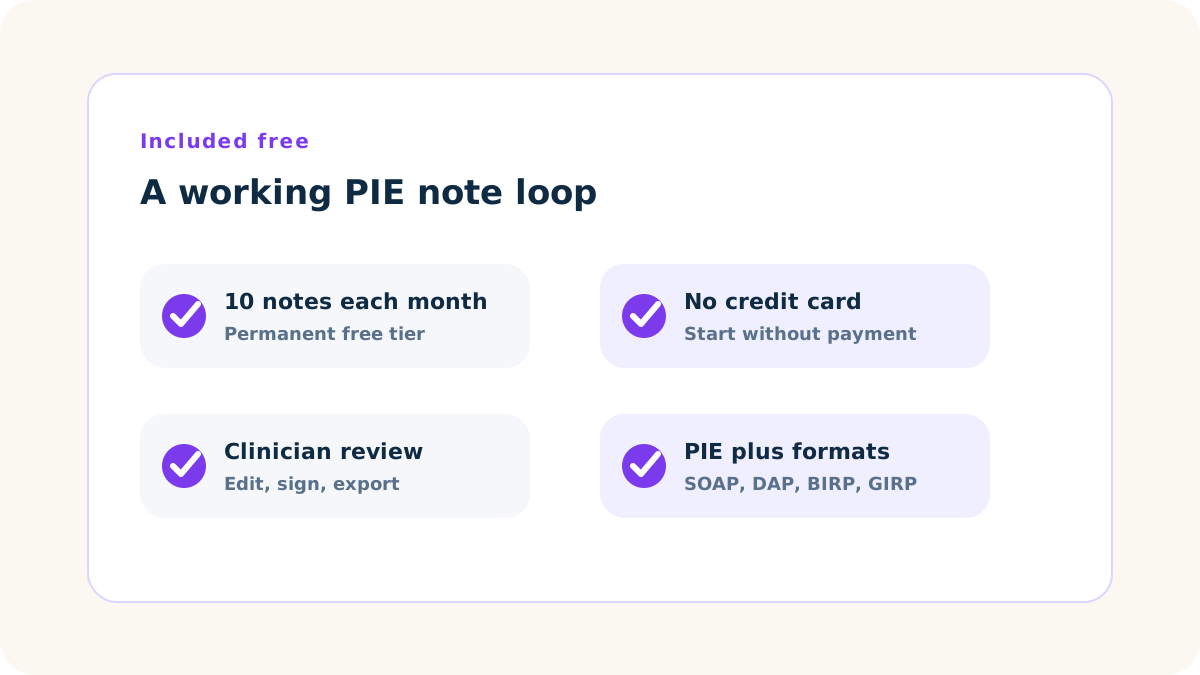
The free PIE note generator is a permanent tier for therapists who want to test the format on real clinical workflow before upgrading. You get ten AI-generated PIE notes per month, no watermark, and the same live-session drafting engine used on paid plans.
- ✓ 10 AI-generated PIE notes per month, every month
- ✓ PIE as the default format, with SOAP, DAP, BIRP, and GIRP available
- ✓ In-session transcription from a live browser session
- ✓ Edit, sign, export to PDF, or copy into your EHR
- ✓ No watermark on exported notes
- ✓ No credit card required to start
- ✓ Free-plan use for evaluation, training, or non-PHI contexts when your practice needs a BAA first
BAA note: the free plan does not include a Business Associate Agreement. If your covered entity needs a BAA before any PHI is processed, use the free plan only for evaluation, training, or non-PHI contexts until the agreement is in place.
PIE built for therapy
Built around one problem, one intervention, one evaluation
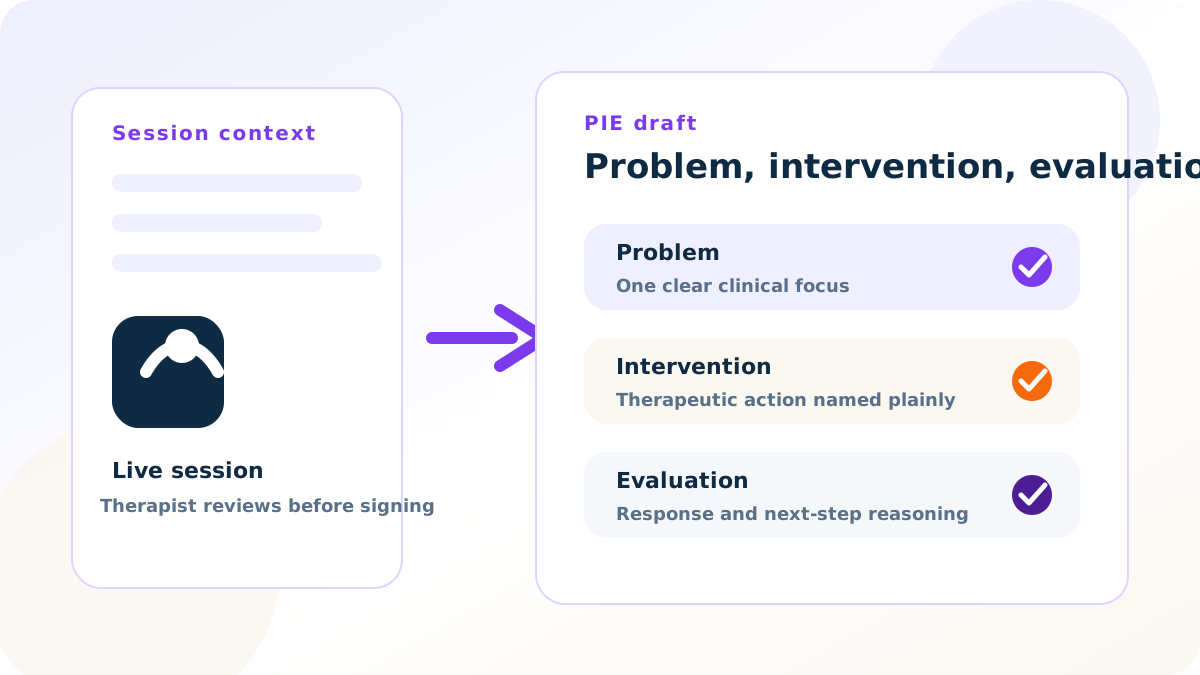
PIE is strongest when one clinical problem drove the session and the chart needs a clear intervention-response trail. Emosapien drafts Problem, Intervention, and Evaluation from what it hears you do, so Evaluation can hold client response, goal progress, and the reason for the next step.
PIE itself is Problem, Intervention, Evaluation. Add a Plan line when your chart needs homework or next-session focus. For the clinical reasoning behind each section, read the PIE note template.
The presenting issue that drove the session, functional impact, the treatment-plan target you addressed, and a risk or safety line when it is clinically relevant.
The therapeutic action you delivered. Name the modality and the specific technique, not a vague topic label. CBT cognitive reappraisal, DBT opposite action, ACT values clarification.
Client response, observable or reported in-session change, progress or plateau toward the active goal, and the clinical reason for the next step. This section carries the chart.
From session to signed note
Three steps from live session to edited PIE draft
Sign up free
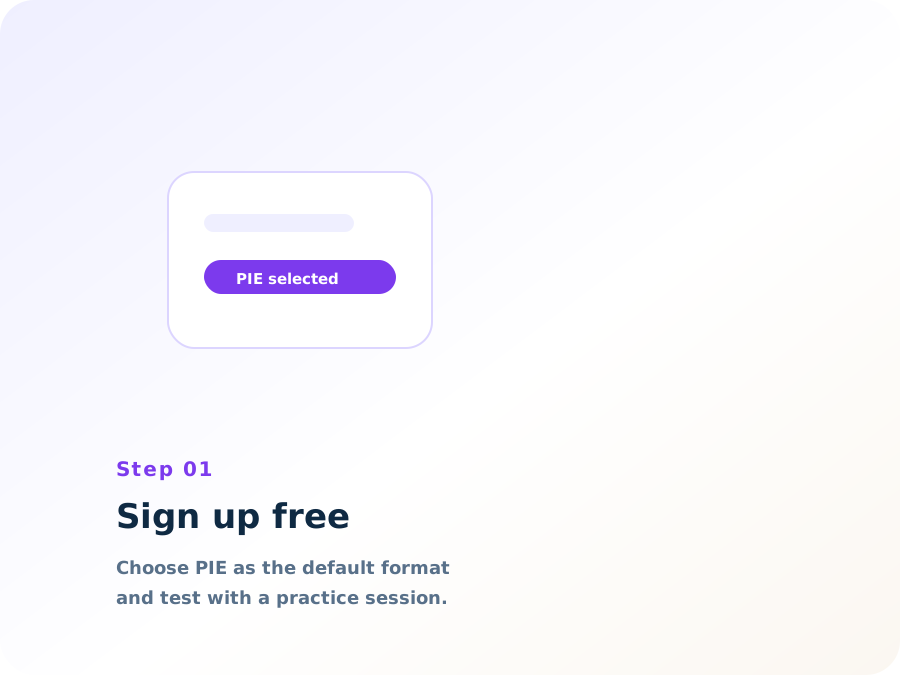
No credit card. Choose PIE as your default format, pick the modality language that fits your work, and start with a practice session if you want to test the flow first.
Run the session
Open a live therapy session in the browser, enable the microphone, and work normally. No pop-ups, no audio cues, no visible interface change during the session.
Review the PIE draft
When the session ends, read the Problem, Intervention, and Evaluation sections. Edit, sign, export, or copy into your EHR. The clinician stays responsible for the signed note.
When PIE fits
Use PIE for clear routine follow-up, not for every chart
PIE fits well when
- ✓The session is routine follow-up with one dominant problem
- ✓Skills practice or a single technique drove the work
- ✓Risk is stable and the chart needs a short intervention-response trail
- ✓Your program accepts concise Problem, Intervention, Evaluation notes
Choose another format when
- •Intake, diagnostic evaluation, or active safety planning is the job
- •Court-involved or utilization-reviewed complexity needs more structure
- •A payer or supervisor mandates SOAP, DAP, BIRP, or GIRP
- •Assessment and Plan need more room than a short Evaluation allows
Free vs paid, plainly
What the free PIE tier does, and what it does not
The free tier runs the working clinic loop: live session transcription, PIE drafting, format switching, editing, and export. Paid plans are for clinics that outgrow that loop: unlimited notes, BAA, integrations, audio backfill, Planning Agent continuity, and multi-clinician controls.
| Capability | Free plan | Paid plans |
|---|---|---|
| AI-drafted PIE notes | 10 per month | Unlimited |
| PIE as the default note format | Included | Included |
| SOAP, DAP, BIRP, and GIRP available alongside PIE | Included | Included |
| In-session transcription | Included | Included |
| Edit, sign, export, or copy | Included | Included |
| Business Associate Agreement (BAA) | Not included | Professional and Enterprise |
| Direct EHR integrations | Manual export | Included where available |
| Audio backfill from past sessions | Not included | Included |
| Planning Agent continuity | Not included | Included |
| Multi-clinician practice features | Not included | Professional and Enterprise |
Free PIE support, Emosapien vs the alternatives
The comparison below is limited to free-tier and PIE-format capabilities a therapist can evaluate before committing to a paid documentation workflow.
| Free-tier capability | Emosapien | Upheal | Mentalyc | Blueprint |
|---|---|---|---|---|
| Ongoing free tier with PIE support Monthly free note generation rather than only a short trial window | Fully supported | Partially supported | Partially supported | Not available |
| No card required to evaluate the note flow A therapist can try the workflow before adding payment information | Fully supported | Partially supported | Partially supported | Not available |
| PIE plus SOAP, DAP, BIRP, and GIRP in the same account Switch format per client or program without changing tools | Fully supported | Not available | Partially supported | Not available |
| Live browser transcription on the free tier Draft from a live therapy session rather than only an upload workflow | Fully supported | Not available | Not available | Not available |
| Therapy-specific format framing Progress-note structure for psychotherapy, skills work, and routine follow-up | Fully supported | Partially supported | Partially supported | Partially supported |
Format family
Use PIE when one problem drove the session
PIE is one documentation format in a broader therapy-note family. Use the clinical documentation hub for the full format map. For one free tool that can draft SOAP, DAP, BIRP, or GIRP alongside PIE, use the free AI progress note generator.
Emosapien drafts the PIE note. You review and sign. The clinical call stays yours.

PIE keeps my routine notes short without losing the intervention trail. Emosapien drafts Problem, Intervention, and Evaluation from the session, then I tighten Evaluation before I sign.
Frequently asked questions
PIE stands for Problem, Intervention, and Evaluation. Problem states the issue addressed, Intervention names the therapeutic action, and Evaluation records client response and the clinical reason for the next step.
Yes. You get 10 AI-generated PIE notes per month, every month, with no credit card required. It is a permanent free tier, not a short trial.
It drafts the three PIE sections: Problem, Intervention, and Evaluation. You can add a practical Plan line when your chart needs it. The draft is for clinician review. You edit and sign the final note according to your license, payer rules, and clinic policy.
Payers generally review the substance of the progress note, not just the acronym. PIE can be defensible when the note documents medical necessity, intervention, client response, risk or safety when relevant, and a clear next step. Documentation requirements vary by payer, state, program, and clinic policy.
Neither is universally better. PIE fits routine follow-up when one clinical problem drove the session and the chart needs a clear intervention-response trail. SOAP is usually clearer for complex assessment or high-audit cases. DAP is often clearer when Assessment and Plan need more explicit clinical reasoning.
Yes. PIE can be your default, and you can switch to SOAP, DAP, BIRP, or GIRP per client or per session when a supervisor, program, or payer expects another format.
If your practice creates, receives, maintains, or transmits PHI through Emosapien as a HIPAA covered entity, you need a Business Associate Agreement first. The BAA is available on Professional and Enterprise plans; every plan, including Free, runs on the same HIPAA-aligned security baseline. The free plan is best for evaluation, training, or non-PHI contexts when a BAA is not yet in place.
You do. Emosapien drafts a progress-note starting point. The clinician reviews, edits, signs, and remains responsible for the final clinical record.