AI Clinical Notes for Therapists
Active co-therapy with documentation built in. Not another AI scribe. Emosapien listens alongside you, surfaces intervention cues in your modality, and drafts the progress note before you reach for the keyboard.
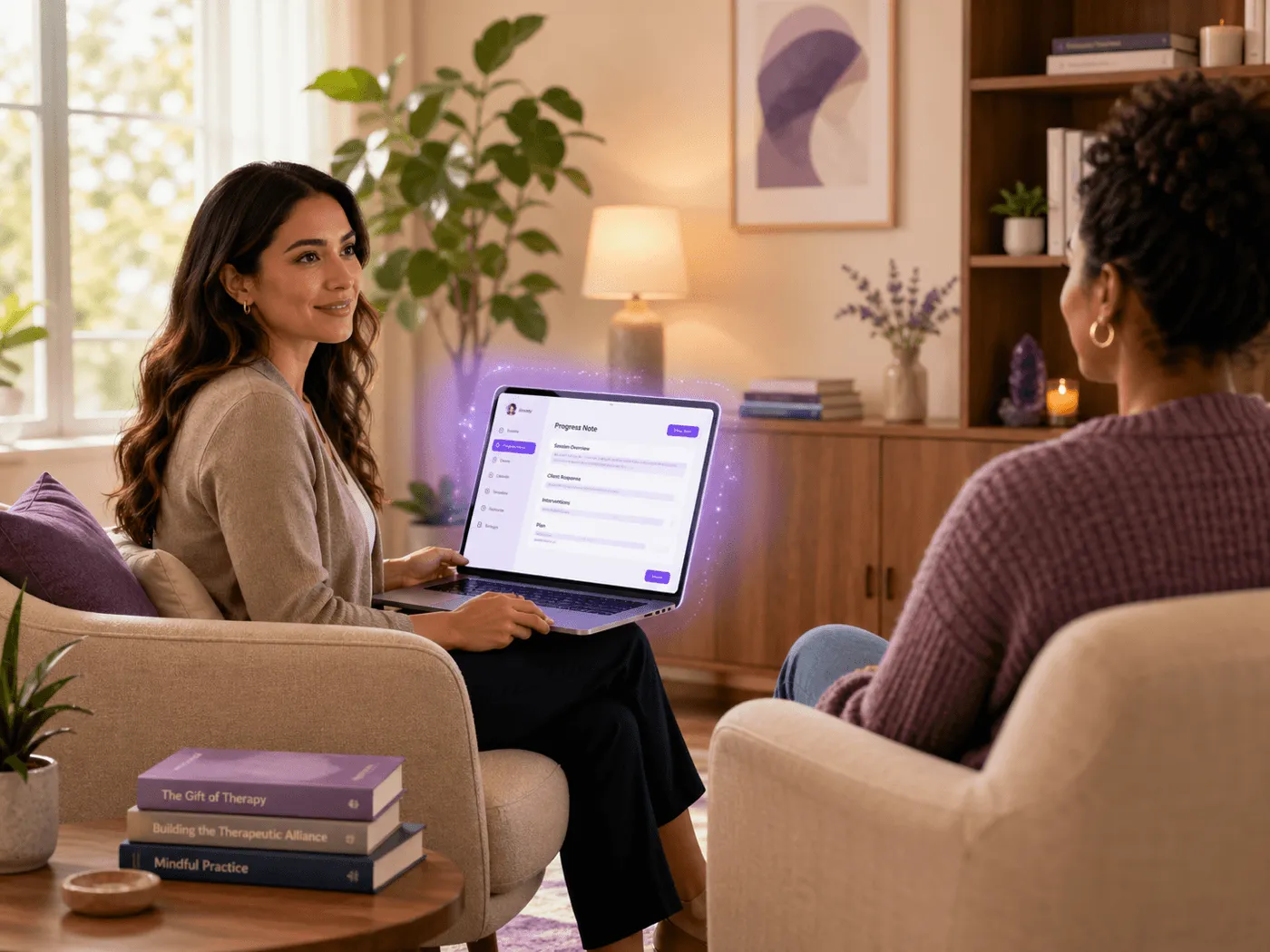
Built for therapy, not transcription
Scribes document after the session. Emosapien works during it
A medical scribe records what was said. That is useful, but it leaves the clinical work, the modality framing, and the connection to the treatment plan entirely on you. Emosapien is built for the second half of that job.
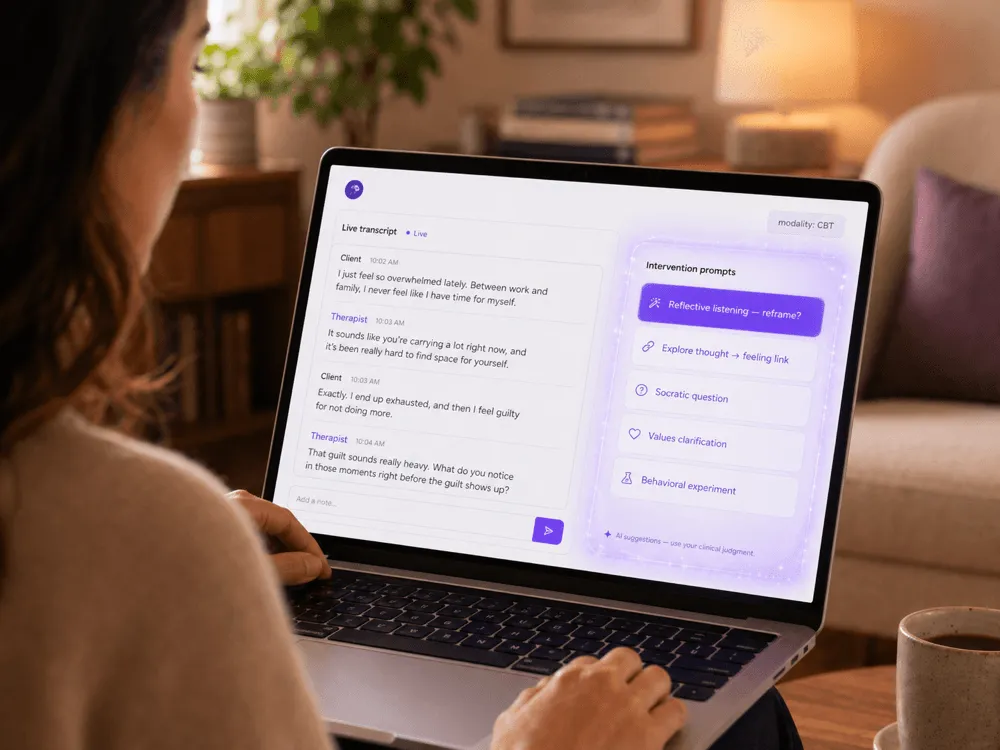
The Therapy Agent listens during the session. When a client’s affect shifts mid-conversation, it offers a fitting modality move in the sidebar (a CBT reframe, an ACT values question, a DBT distress-tolerance prompt) without breaking the room. The Scribe Agent then writes the progress note from that clinical context, not from a raw transcript.
The note sounds like you wrote it. The treatment goals are referenced and the intervention is named, so the chart is mostly ready when you sit down to sign it. If the real pressure point is after-hours note debt, read how AI documentation can ease clinician burnout without taking over clinical judgment.
For a careful comparison of passive note drafting and active clinical-workflow support, read AI co-therapy vs AI scribes.
Therapy-specific note formats
Notes in every format your modality uses
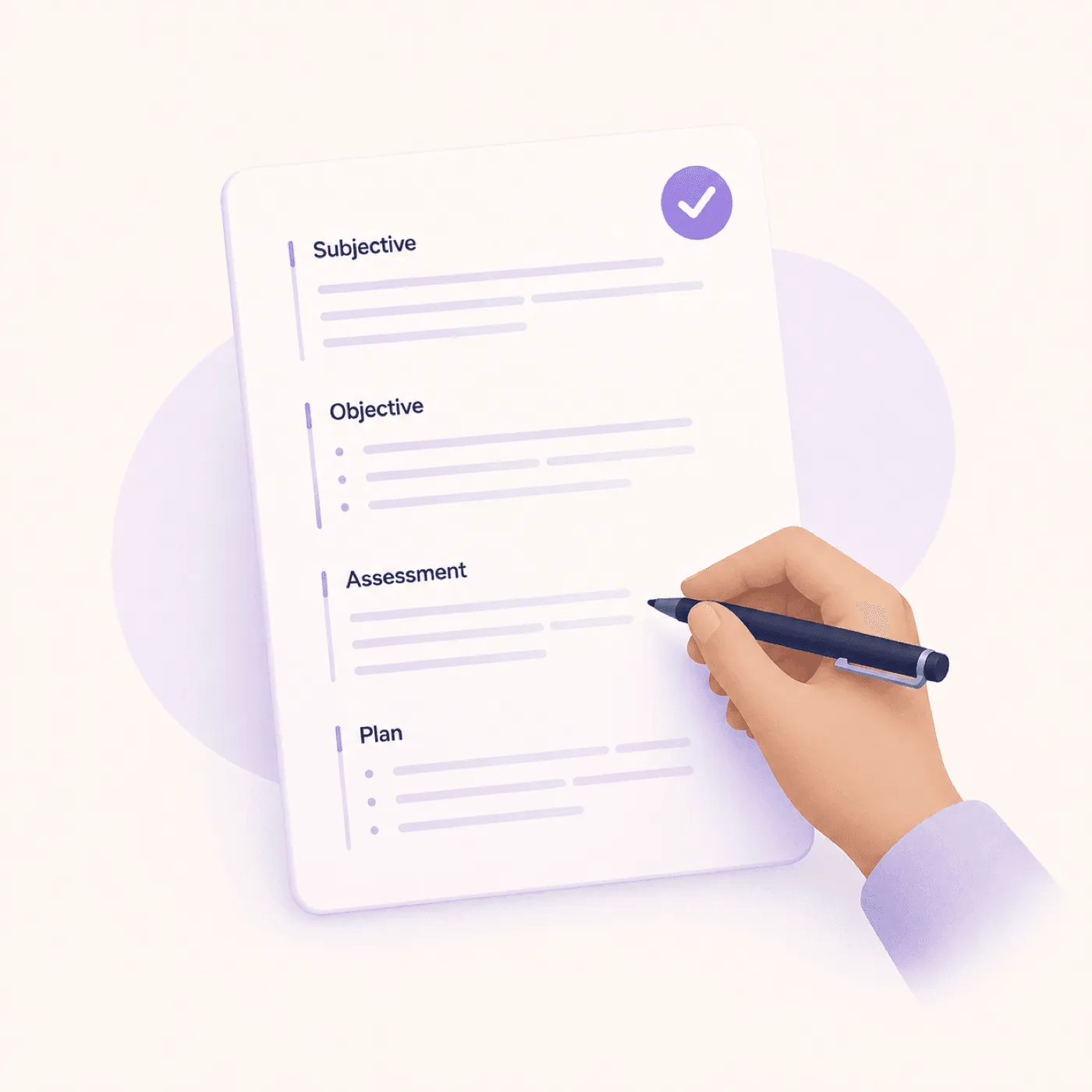
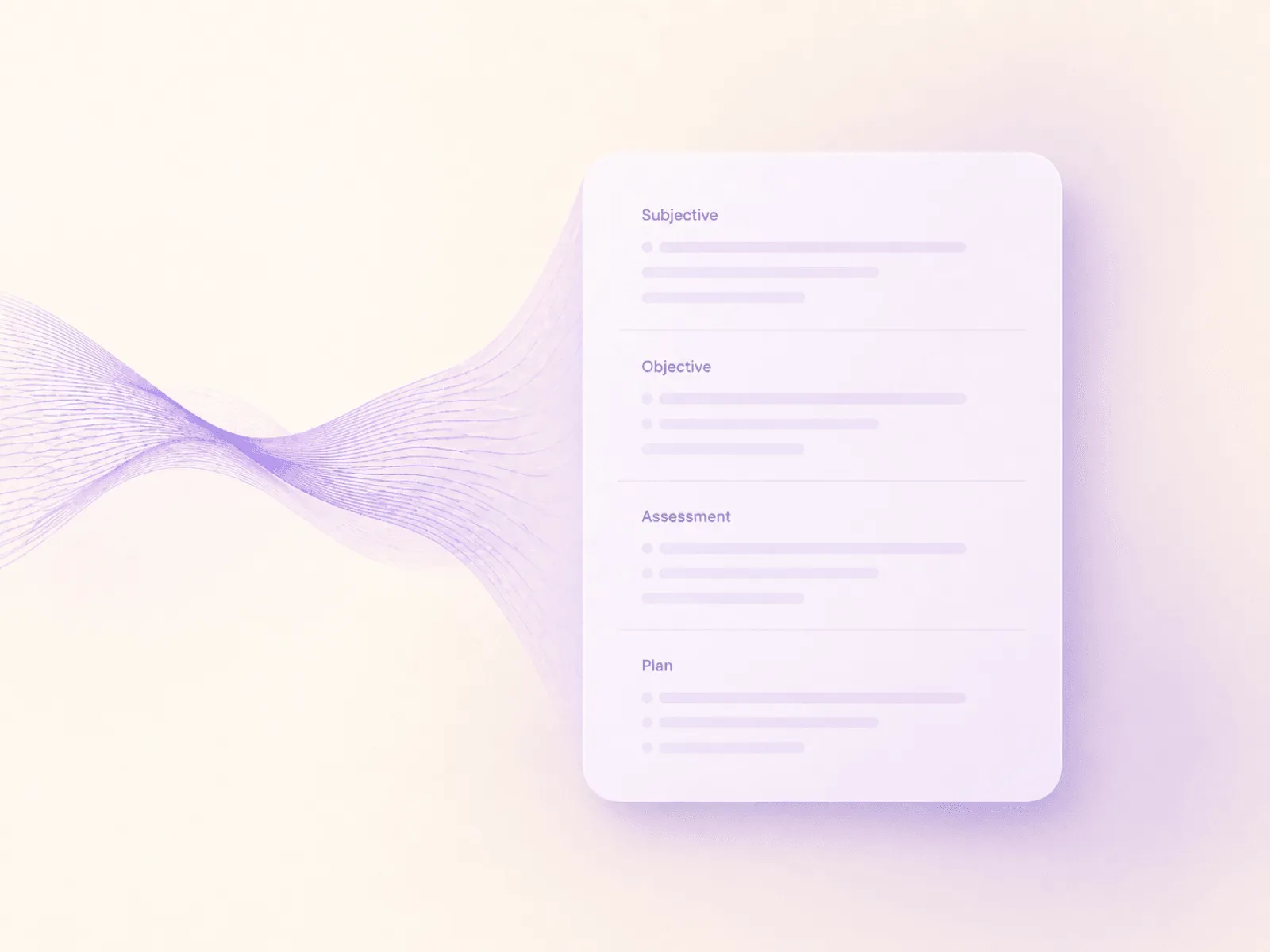
Talk therapy is not general medicine. The note formats below cover the four most common progress-note styles in psychotherapy and counseling. Switch per client, per session, or per modality. Emosapien adapts.
SOAP
Subjective · Objective · Assessment · Plan
The default for most therapy practices. Emosapien drafts each section from session dialogue and links the Plan to the active treatment goals.
Format guide →DAP
Data · Assessment · Plan
A leaner alternative when you want narrative observations without a separate Subjective section. Common in counseling and case management.
Format guide →BIRP
Behavior · Intervention · Response · Plan
Standard in addiction counseling, IOP, and SUD intensive outpatient. Emosapien tracks the intervention used and the client response in real time.
Format guide →GIRP
Goal · Intervention · Response · Plan
Goal-anchored progress notes for measurement-based and outcomes-focused practices. Pulls from the treatment plan automatically.
Format guide →Looking for the full reference? See the clinical documentation hub, read the solo practice documentation case study, or compare therapy software for group practices.
From session to signed note
How AI clinical notes work, from session to signed

Listen alongside you
The Therapy Agent joins the session privately, transcribes what is said, and surfaces emotional patterns and intervention prompts as the conversation moves. You stay present; it stays quiet unless something matters.
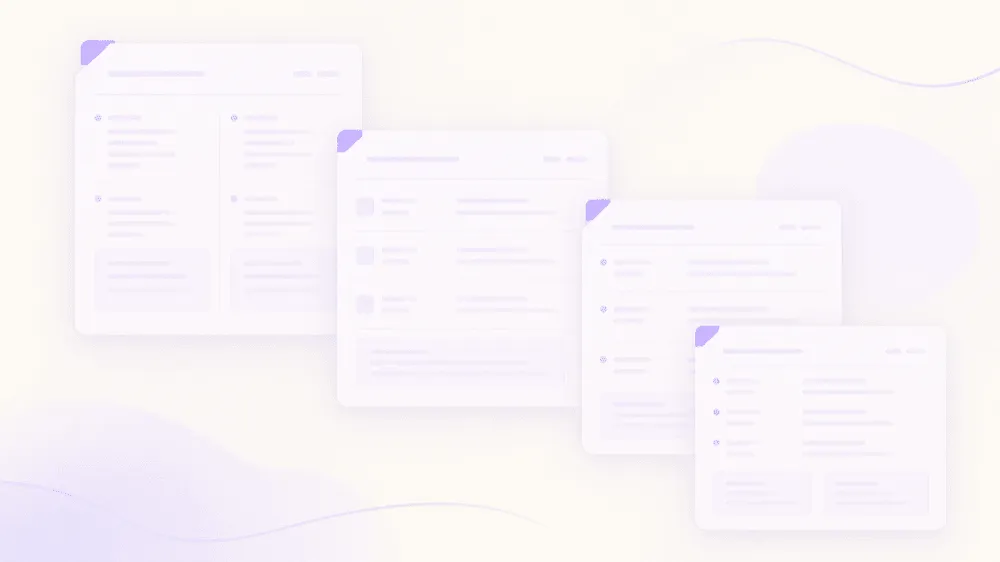
Draft the clinical note
When the session ends, the Scribe Agent has already drafted a structured note in your chosen format with treatment-plan goals linked, modality cues honored, and risk language flagged for your review.
Review, edit, sign
You read, adjust, and sign. Most therapists finish the chart in under three minutes. The note slots into your EHR or stays in Emosapien. Your choice.
Want the full five-step walk-through with consent, capture, and EHR sync? See how Emosapien works, step by step →
How Emosapien differs from Upheal, Mentalyc, and Blueprint
These are the three most common alternatives therapy practices evaluate. All three are well-built tools. The honest difference is what they are for.
| Capability | Emosapien | Upheal | Mentalyc | Blueprint |
|---|---|---|---|---|
| Active AI co-therapist in the session Participates during the session, not after | Fully supported | Not available | Not available | Not available |
| Real-time intervention prompts (CBT / ACT / DBT) Modality-aligned cues surfaced live | Fully supported | Not available | Not available | Not available |
| Modality-aware Assessment drafting Note language reflects the modality you practice | Fully supported | Partially supported | Partially supported | Not available |
| Therapy note formats (SOAP, DAP, BIRP, GIRP) All four therapy-standard progress-note formats | Fully supported | Partially supported | Fully supported | Partially supported |
| Custom note templates Build and save your own format alongside the standard four | Fully supported | Partially supported | Partially supported | Fully supported |
| Treatment-plan continuity across sessions Auto-linked goals, formulation carry-forward, Planning Agent | Fully supported | Partially supported | Partially supported | Fully supported |
| Between-session client engagement Check-ins, AI-guided journaling, homework | Fully supported | Not available | Not available | Partially supported |
| Free tier (ongoing, not just a trial) 10 sessions per month, no credit card | Fully supported | Not available | Not available | Not available |
Why this list excludes general medical scribes. Tools like Heidi, Nuance DAX, Suki, Abridge, and Freed are excellent for primary-care and hospital documentation, where the workflow is interview → diagnosis → plan. Talk therapy is a different job. Emosapien is purpose-built for clinicians who do CBT, ACT, DBT, EMDR, IFS, or psychodynamic work, not a general-purpose scribe with a "for therapists" toggle.
Trust and compliance
HIPAA-aligned. SOC 2 Type II. ISO 27001
Session data is encrypted in transit and at rest. Content is never used to train public models. Audit trails are immutable. A Business Associate Agreement (BAA) is available on Professional and Enterprise plans. The full security posture, access controls, and data-residency options live on the trust page. For vendor due diligence beyond our stack, use the BAA checklist for therapy software.
See full security posture- ✓ End-to-end encryption (AES-256, TLS 1.3)
- ✓ SOC 2 Type II audited annually
- ✓ ISO 27001 certified infrastructure
- ✓ No model training on client data
- ✓ Client and practitioner data ownership
- ✓ One-click deletion, propagated across backups
Solo-practice workflow
What note support looks like in a one-clinician week
For a practical path from late-night writing to clinical review, see how therapy software for solo therapists supports a one-clinician week.
Clinical social work
Hold biopsychosocial context inside the note workflow
Clinical social workers can use therapy documentation software for clinical social workers to keep intake context, treatment-plan continuity, and reviewed progress notes in one therapy-specific flow.

It’s like having a co-therapist that supports me in real time. The notes are already most of the way there when I sit down to sign them. I get my evenings back.
Frequently asked questions
No. Generic AI medical scribes (Heidi, Nuance DAX, Suki, Abridge, Freed) transcribe clinician–patient conversations and produce a note. Emosapien does that and more. It is an active co-therapy agent. During the session it identifies emotional patterns, surfaces intervention prompts in your modality (CBT, ACT, DBT), and connects what is said to the open treatment-plan goals. The progress note is a by-product of that work, not the only output. If you are comparing ambient medical scribes against therapy-built tools, use our shortlist of the best AI for therapy notes to check whether the tool supports therapy continuity as well as charting speed.
SOAP, DAP, BIRP, and GIRP out of the box, plus modality-specific packs for CBT, ACT, and DBT. You can switch formats per client or per session. The full documentation hub has format-by-format guides if you are deciding which fits your caseload. If the treatment-plan goal needs to lead the note, use the free GIRP note generator.
Yes. Session data is encrypted in transit and at rest. Infrastructure is SOC 2 Type II audited and ISO 27001 certified. Session content is never used to train public models, and a Business Associate Agreement (BAA) is available on the Professional and Enterprise plans. See Security for the full posture.
Upheal and Mentalyc are well-built therapy scribes, strong on transcription and structured note generation, but the work happens after the session. Blueprint is excellent at outcome measurement but lighter on note narrative. Emosapien is the only one of the four that participates during the session itself: it tracks the intervention you used, the client response, and the modality framing, then writes that into the note rather than reconstructing it from a transcript.
It is designed to do the opposite. The Therapy Agent runs silently. No audible cues, no on-screen pop-ups during the session unless you have asked for live prompts. Most clinicians on the Professional plan turn live prompts on for difficult cases (suicidality screening, escalating affect, modality drift) and off for routine sessions. Either way, the note is ready before you finish your session notes window.
Yes. SimplePractice is the first direct EHR integration to ship; TherapyNotes and Jane are in beta; Halaxy, Power Diary, and Practice Better are on the roadmap. For any other EHR, structured HL7 v2 or FHIR exports are available today. You can also keep notes inside Emosapien and export only when needed. Custom EHR connectors are part of the Enterprise plan.
You do. Or your practice does, if you are on a multi-seat plan. Session content is never used to train public models. One-click deletion propagates across backups within 30 days.
Around 10 minutes. Sign up, choose your default note format and modality, run one practice session, and you are ready. There is no card required for the Free plan, and most therapists are documenting their first real session within a day. Start free.
Built for
The Scribe Agent is the documentation backbone for both solo and group practices. Solo therapists see how the workflow fits a single caseload on the Emosapien for solo therapists landing. Multi-clinician teams see how the same scribe enforces a house style across every clinician on the Emosapien for group therapy practices landing. Clinical social workers see how the scribe scaffolds the biopsychosocial assessment, progress notes, and termination summaries on the therapy documentation software for clinical social workers landing.
Get your evenings back
Start free. 10 sessions per month, no credit card. Upgrade only when you are sure.