Free GIRP Note Generator for Therapists
A free GIRP note generator built for goal-anchored therapy progress notes. Draft Goal, Intervention, Response, and Plan from live sessions, then review, edit, and sign before it enters the chart. Ten notes each month, no credit card.
What is free
A working GIRP tool, not a 14-day countdown
The free GIRP note generator is a permanent tier for therapists who want to test the format on real clinical workflow before upgrading. You get ten AI-generated GIRP notes per month, no watermark, and the same live-session drafting engine used on paid plans.
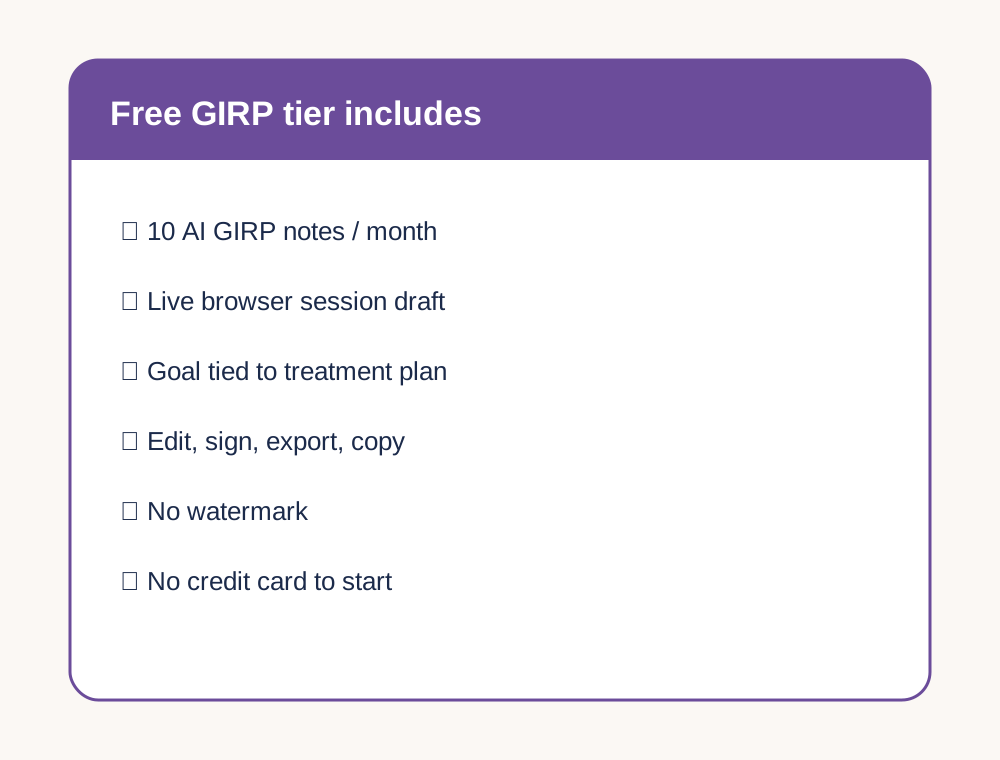
- ✓ 10 AI-generated GIRP notes per month, every month
- ✓ GIRP as the default format, with SOAP, DAP, BIRP, and PIE available
- ✓ In-session transcription from a live browser session
- ✓ Edit, sign, export to PDF, or copy into your EHR
- ✓ No watermark on exported notes
- ✓ No credit card required to start
- ✓ Free-plan use for evaluation, training, or non-PHI contexts when your practice needs a BAA first
BAA note: the free plan does not include a Business Associate Agreement. If your covered entity needs a BAA before any PHI is processed, use the free plan only for evaluation, training, or non-PHI contexts until the agreement is in place.
GIRP built around treatment-plan goals
Built so every note opens with the active goal
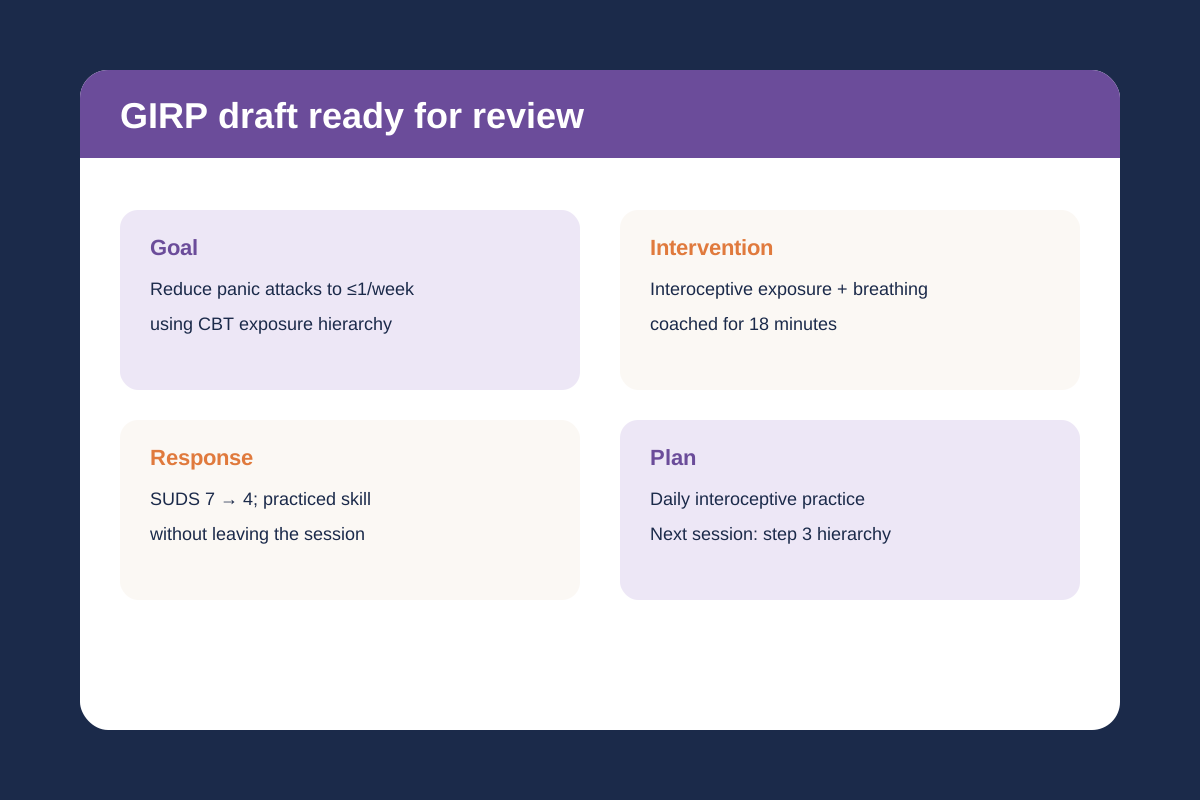
GIRP is strongest when utilization review, case management, or goal-driven care needs a clear line from treatment plan to session work. Emosapien drafts Goal, Intervention, Response, and Plan from session context so the Goal section stays tied to the plan, not a free-floating theme.
For the clinical reasoning behind each section, read the GIRP notes guide.
The active treatment-plan goal this session targeted. Name the measurable goal, not a generic theme. When the session diverted, say so here so the chart stays honest.
The therapeutic action you delivered. Name the modality and technique, not a topic label. CBT exposure, DBT opposite action, ACT values work, motivational interviewing.
Client engagement, observable or reported change, skill demonstration, and brief MSE or safety findings when clinically relevant. This is where the session evidence lives.
Homework, next-session focus, coordination, risk follow-up, and any treatment-plan update required by what happened in session.
From session to signed note
Three steps from live session to edited GIRP draft
Sign up free
No credit card. Choose GIRP as your default format, pick the modality language that fits your work, and start with a practice session if you want to test the flow first.
Run the session
Open a live therapy session in the browser, enable the microphone, and work normally. No pop-ups, no audio cues, no visible interface change during the session.
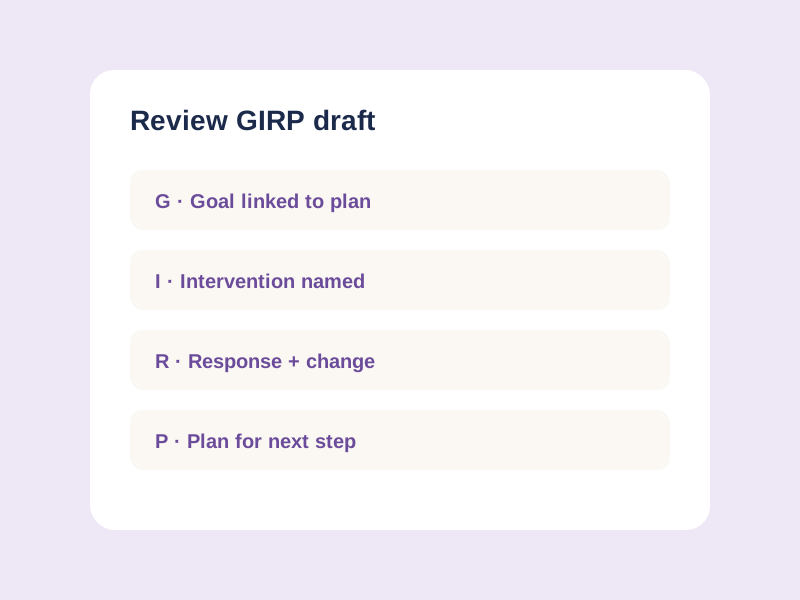
Review the GIRP draft
When the session ends, read the Goal, Intervention, Response, and Plan sections. Edit, sign, export, or copy into your EHR. The clinician stays responsible for the signed note.
When GIRP fits
Use GIRP when the chart must track the active goal
GIRP fits well when
- ✓Utilization review or case management expects goal-linked progress notes
- ✓The treatment plan has specific, measurable goals the session can target
- ✓Supervisors want the Goal section to show plan continuity every visit
- ✓Your program already standardizes on Goal, Intervention, Response, Plan
Choose another format when
- •Crisis work is driven by acute presentation rather than a planned goal
- •The treatment plan is still generic and would make every Goal section vague
- •Intervention and response need more room than a goal-first structure allows
- •A payer or supervisor mandates SOAP, DAP, BIRP, or PIE for the caseload
Free vs paid, plainly
What the free GIRP tier does, and what it does not
The free tier runs the working clinic loop: live session transcription, GIRP drafting, format switching, editing, and export. Paid plans are for clinics that outgrow that loop: unlimited notes, BAA, integrations, audio backfill, Planning Agent continuity, and multi-clinician controls.
| Capability | Free plan | Paid plans |
|---|---|---|
| AI-drafted GIRP notes | 10 per month | Unlimited |
| GIRP as the default note format | Included | Included |
| SOAP, DAP, BIRP, and PIE available alongside GIRP | Included | Included |
| In-session transcription | Included | Included |
| Edit, sign, export, or copy | Included | Included |
| Business Associate Agreement (BAA) | Not included | Professional and Enterprise |
| Direct EHR integrations | Manual export | Included where available |
| Audio backfill from past sessions | Not included | Included |
| Planning Agent continuity | Not included | Included |
| Multi-clinician practice features | Not included | Professional and Enterprise |
Free GIRP support, Emosapien vs the alternatives
Emosapien ships an ongoing free GIRP tier with live-session drafting and no card required. Upheal, Mentalyc, and Blueprint differ on free access, format coverage, and live transcription.
| Free-tier capability | Emosapien | Upheal | Mentalyc | Blueprint |
|---|---|---|---|---|
| Ongoing free tier with GIRP support Monthly free note generation rather than only a short trial window | Fully supported | Partially supported | Partially supported | Not available |
| No card required to evaluate the note flow A therapist can try the workflow before adding payment information | Fully supported | Partially supported | Partially supported | Not available |
| GIRP plus SOAP, DAP, BIRP, and PIE in the same account Switch format per client or program without changing tools | Fully supported | Not available | Partially supported | Not available |
| Live browser transcription on the free tier Draft from a live therapy session rather than only an upload workflow | Fully supported | Not available | Not available | Not available |
| Treatment-plan goal linkage in GIRP drafts Goal section stays tied to the active plan, not a free-floating theme | Fully supported | Partially supported | Partially supported | Partially supported |
Format family
Use GIRP when the note must open with the plan goal
GIRP is one documentation format in a broader therapy-note family. Use the clinical documentation hub for the full format map. For one free tool that can draft SOAP, DAP, BIRP, or GIRP, use the free AI progress note generator. For the product workflow behind the free tool, see AI clinical notes for therapists.
Emosapien drafts the GIRP note. You review and sign. The clinical call stays yours.

GIRP keeps every progress note tied to the active goal. Emosapien drafts Goal, Intervention, Response, and Plan from the session, then I tighten the Goal wording before I sign.
Frequently asked questions
Yes. The free GIRP note generator includes 10 AI-generated GIRP notes per month, every month, with no credit card required. It is a permanent free tier, not a short trial.
It drafts the four GIRP sections: Goal, Intervention, Response, and Plan. The Goal section is meant to track the active treatment-plan goal. The draft is for clinician review. You edit and sign the final note according to your license, payer rules, and clinic policy.
BIRP opens with Behavior. GIRP opens with the treatment-plan Goal the session targeted. Use GIRP when utilization review, case management, or goal-anchored charting needs that explicit plan link. Use BIRP when intervention and client response are the note spine and the goal link can sit elsewhere.
Yes. GIRP can be your default, and you can switch to SOAP, DAP, BIRP, or PIE per client or per session when a supervisor, program, or payer expects another format.
If your practice creates, receives, maintains, or transmits PHI through Emosapien as a HIPAA covered entity, you need a Business Associate Agreement first. The BAA is available on Professional and Enterprise plans; every plan, including Free, runs on the same HIPAA-aligned security baseline. The free plan is best for evaluation, training, or non-PHI contexts when a BAA is not yet in place.
AI note generation pauses for the rest of the month. Your account does not lock, and your existing drafts remain available to edit and export. The 10-note limit resets each month, or you can upgrade for unlimited notes.
You do. Emosapien drafts a progress-note starting point. The clinician reviews, edits, signs, and remains responsible for the final clinical record.
Emosapien gives therapists an ongoing free tier with GIRP drafts from live sessions, no credit card required, and clinician review before signing. Competitors often offer GIRP as a feature page or short trial. Therapists can evaluate GIRP drafting on real workflow first, free, before committing to a paid plan.